
Put the server in maintenance
Pause changes for everyone but administrators, or suspend the service, and go back to normal.
Superadmins go to Server mode in the admin console.
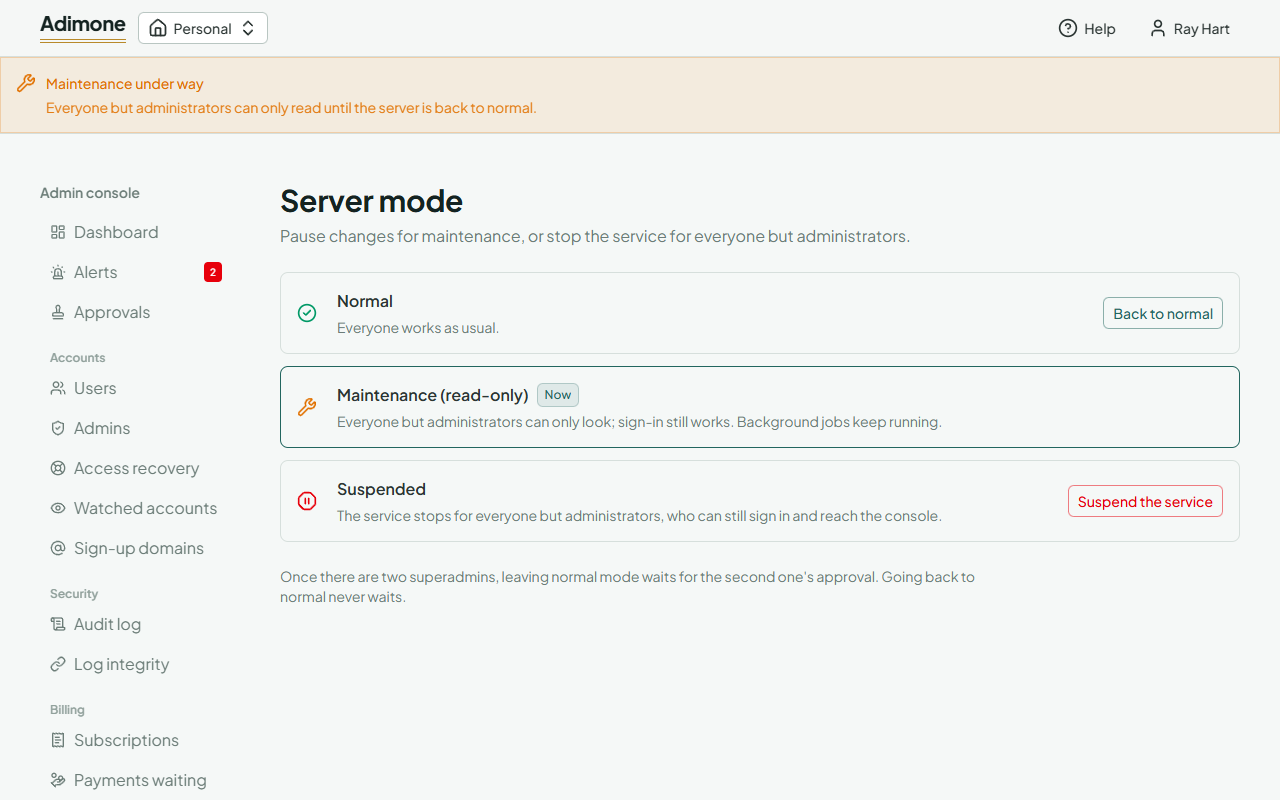
- Normal: everyone works as usual.
- Maintenance (read-only): everyone but administrators can only look. Sign-in still works and background jobs keep running. Use it for upgrades and data repairs.
- Suspended: the service stops for everyone but administrators, for example during a security incident. Administrators can still sign in and reach the console.
Choose Start maintenance or Suspend the service and give the reason. Every user sees a notice at the top of the app within a minute, and every superadmin is emailed. Back to normal works at once.