
Create your account
Sign up with your email address, confirm it from your inbox and choose a password.
You need one account for everything in Adimone: your personal space and every business you own or work in. Signing up takes two steps, so we know the email address is really yours.
1. Enter your email address
Open Create an account, type the address you want to sign in with and choose Send the link.
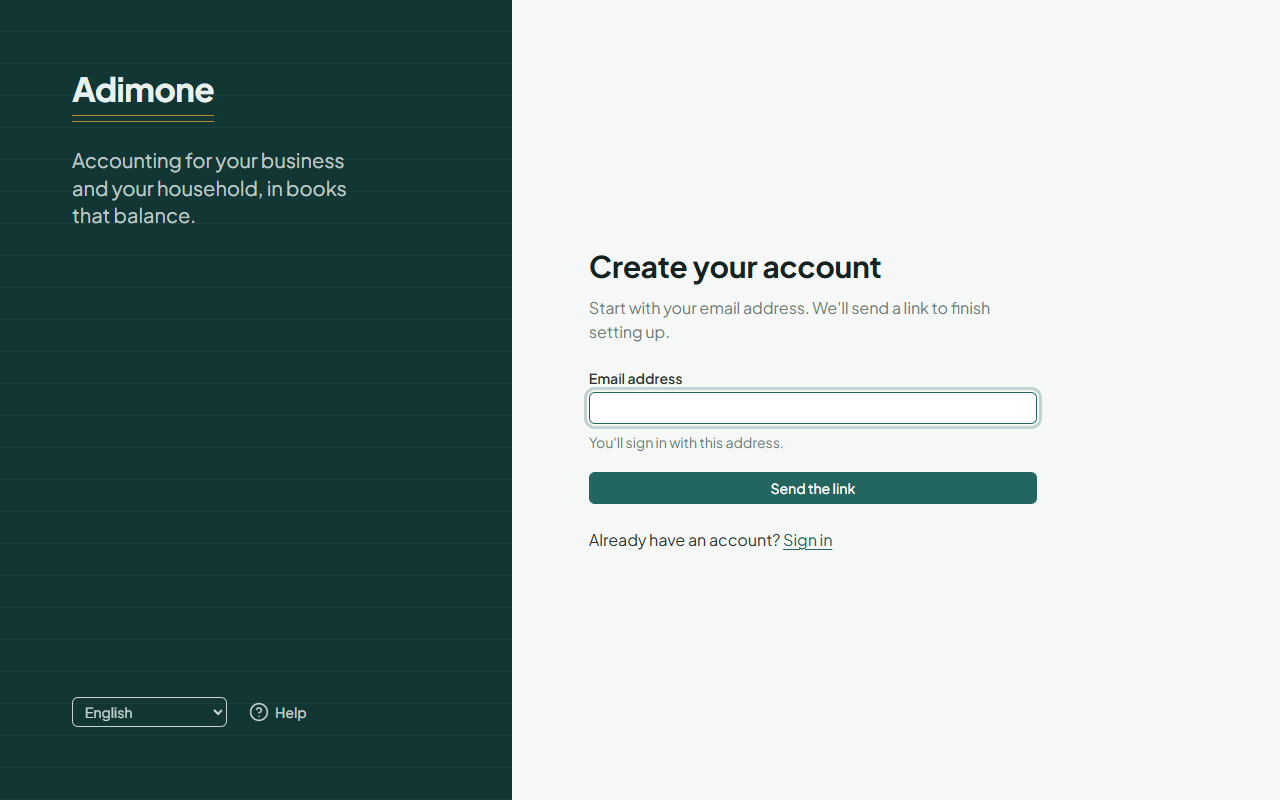
We send a link to that address. It can take a minute to arrive; look in your spam folder too. If nothing comes, choose Send the link again: the new link replaces the earlier one.
2. Choose your name and a password
Open the link on the same device. Enter the name other people will see (for example in a business you work in) and a password of at least 12 characters. A few unrelated words make a strong password that's easy to remember.
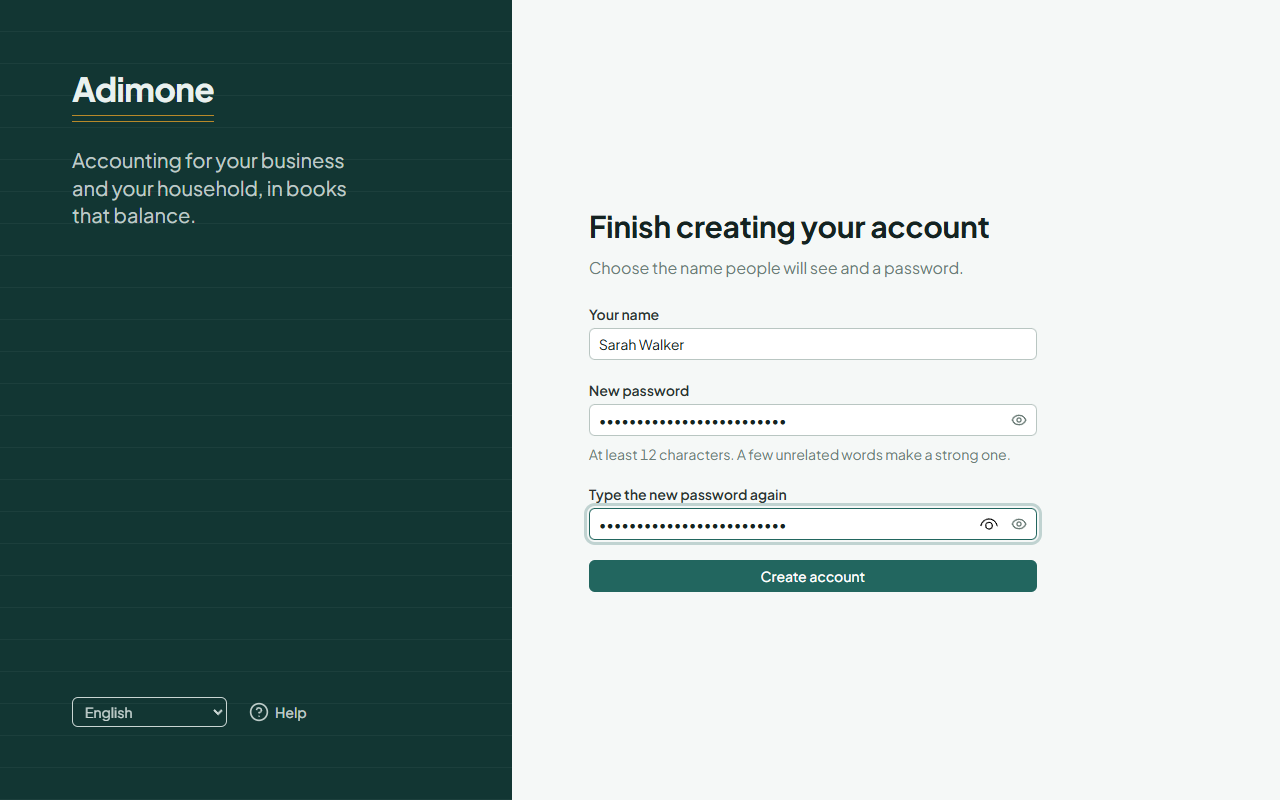
Tick I agree to the Terms of Service and the Privacy Policy (links below it open each text). Email me product news and offers is optional: see Terms, privacy and marketing email.
Choose Create account. Your account is ready, and you can sign in with your email address and the new password.
Continue with Google
Where it's offered, you can choose Continue with Google on the sign-up or sign-in page instead. Adimone creates the account with your Google address, and you sign in with Google from then on. You can add a password later under Account and security.
Good to know
- The link works for 24 hours. An account that isn't finished within 72 hours is removed, and you can simply start again.
- Disposable email addresses can't be used.
- Next: protect your account with two-step verification.