
Hand over, archive or leave a business
Transfer ownership to another member, archive a business you no longer use, or leave one.
These actions are in the business's Settings.
Hand over ownership
The owner is responsible for the business and its subscription. To pass that on, the new owner must already be a member.
- In Settings → Ownership, choose the member and Offer ownership.
- Confirm. Because this is a sensitive change, Adimone may ask you to confirm it's you first.
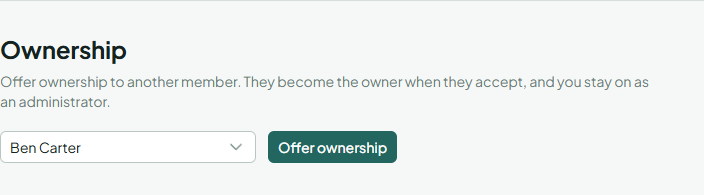
The member gets an email and has 7 days to choose Become the owner. Until then you stay the owner and can Withdraw the offer. When they accept, they become the owner and you stay on as an Administrator.
Archive a business
Archive a business you no longer use, for example after closing it. An archived business is kept read-only for everyone, the owner included, and is hidden from everyday use. Nothing is deleted.
In Settings, choose Archive and confirm. To use it again, the owner chooses Restore in the same place.
Leave a business
Any member except the owner can choose Leave in Settings. You lose access at once; someone who manages members can invite you again.
When the owner's account is deleted
If the owner deletes their account (or an administrator of the server deletes it), the business's administrator who has been a member the longest becomes the owner and gets an email. Without an administrator, the business is left without an owner: it stays read-only for its members and is kept as the law requires. Contact support to take it over.