
Notifications
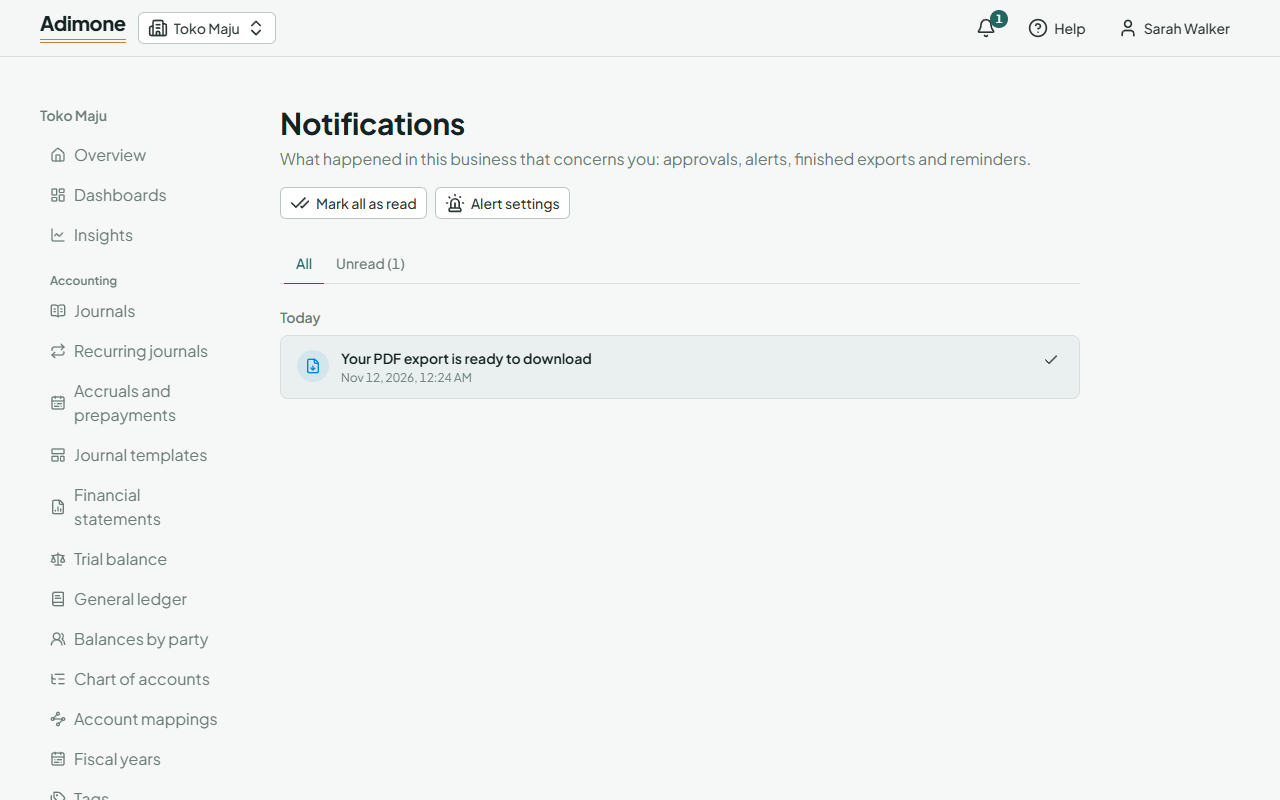
The bell at the top of every screen, what arrives there, and marking notifications read.
Each business keeps your own notifications: things that happened there that concern you. Other members have their own; nobody else sees yours or whether you read them.
The bell
The bell in the bar at the top shows how many notifications you haven't read in the open business. Choose it to see the latest ones. Choose a notification to open what it is about: the approval request, the recurring entry that stopped, the month to close. Opening it marks it read.
Choose Mark all as read to clear the count, or See all notifications for the whole list, grouped by day.
What arrives here
- Approval requests waiting for you, and the decisions on the ones you sent.
- Recurring invoices, bills and journal entries that stopped, or that wait because the business is read-only or its plan doesn't include them.
- Month-end reminders, for the people who close the books, when a month has ended and isn't closed yet.
- Finished exports: a report you exported opens My exports; a batch of PDFs downloads straight from the notification.
- Alerts: your own alerts on figures you watch, and, for the owner, alerts about the business's checks and balances. Alerts carry an Alert label.
You only see a notification while you still may: if your role changes, notifications about what you can no longer see leave the list.
Notifications by email
Most notifications are also emailed. Finished exports and recurring entries waiting on the plan stay in the app. How alerts are emailed is your choice: at once, in a daily or weekly digest, or not at all. See how alerts reach you.
How long they stay
Notifications you have read are removed after 180 days. Unread ones stay until you read them.